
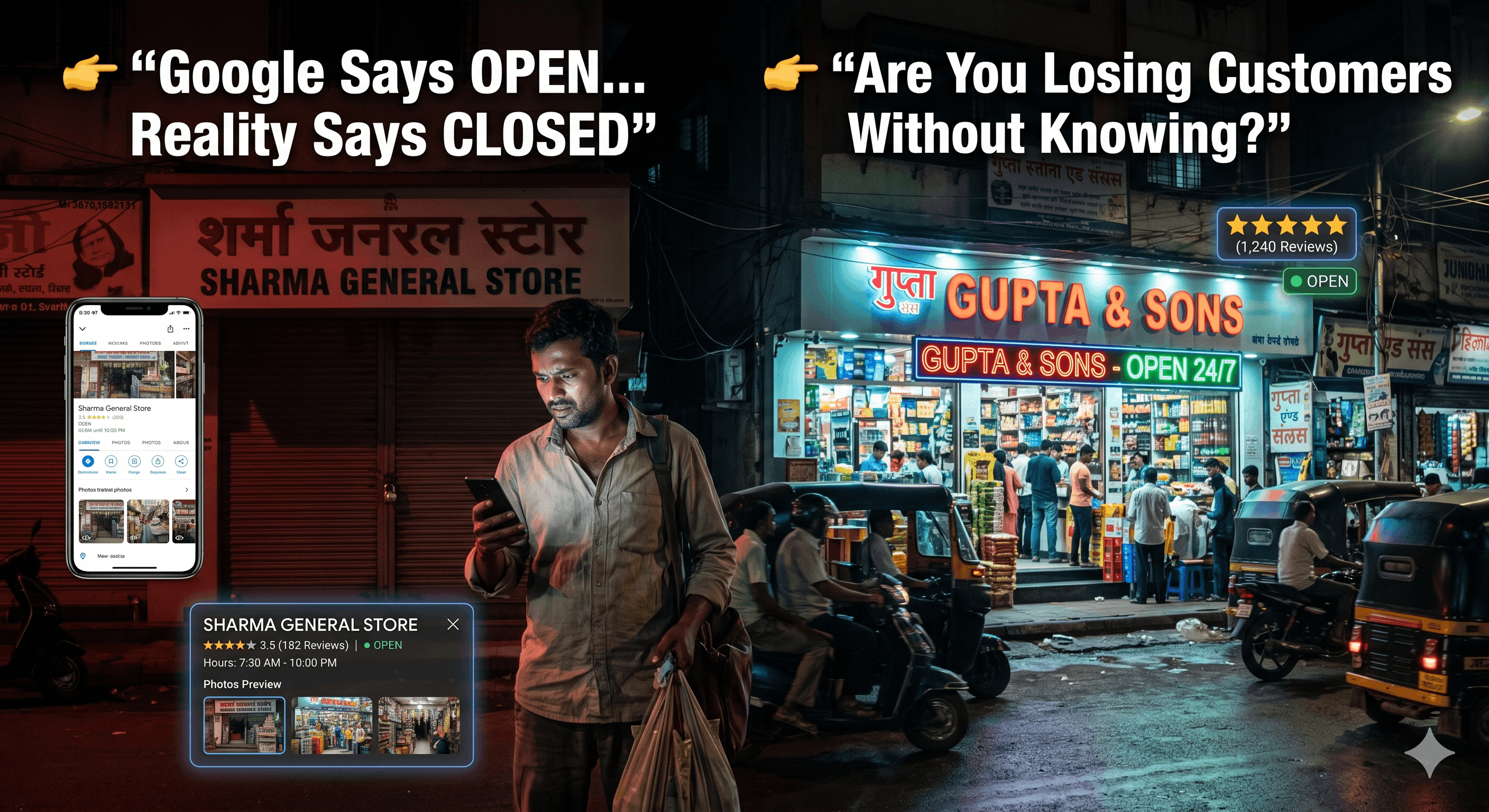
I recently tried to visit a computer repair shop in Navi Mumbai. Google Maps said “Open.”
When I reached there at 8:00 PM, the shutter was down. No notice. No update. No apology.
Result? I walked to their competitor nearby. That business didn’t just lose one sale — they lost a lifetime customer.
For local businesses in India, your Google Maps profile is more important than your Instagram page. Because when people search on Google Maps, they are already ready to buy. Yet every day, businesses silently kill their own leads by making basic mistakes.
1. The “Open 24 Hours” Lie
Many business owners select “Open 24 Hours” thinking it looks impressive. It doesn’t. It looks dishonest.
Google Maps doesn’t blindly trust owners. If multiple users report that your shop was closed when Google said open, Google trusts the users — not you. This causes your local ranking to drop and may even lead to profile restrictions.
2. Using Stock Photos or Only a Logo
When customers open your profile, they ask: “Is this place real?” A profile with only a logo or generic internet photos looks fake or risky. People decide within 5 seconds whether to visit you or not.
✅ Good Photos
- ✔️Shop front with signboard
- ✔️Real team working inside
- ✔️Authentic products
❌ Bad Photos
- ✖️Only logo, no location context
- ✖️Blurry internet images
- ✖️Random WhatsApp screenshots
3. Ignoring Negative Reviews
Bad reviews are painful, but ignoring them is worse. You cannot delete genuine feedback, but you can control how future customers see your brand. You aren't replying for the angry customer; you're replying for the 100 people reading that review later.
How to reply properly:
"Thank you for your feedback. We’re sorry for the inconvenience. Please contact us on WhatsApp so we can resolve this properly."
5-Minute Google Maps Audit
- 🔍Does your name match your signboard exactly?
- ⏰Are your hours realistic and updated today?
- 📸Do the first 3 photos show your real shop?
- ⭐Have you replied to your last 5 reviews?
If even one answer is “No”, you’re leaking leads daily. Fix the basics. The leads will follow.
👉 Need a Professional Fix?
Sometimes one small correction brings months of business. Let us audit your Google footprint.
🔍 Request Profile Audit